
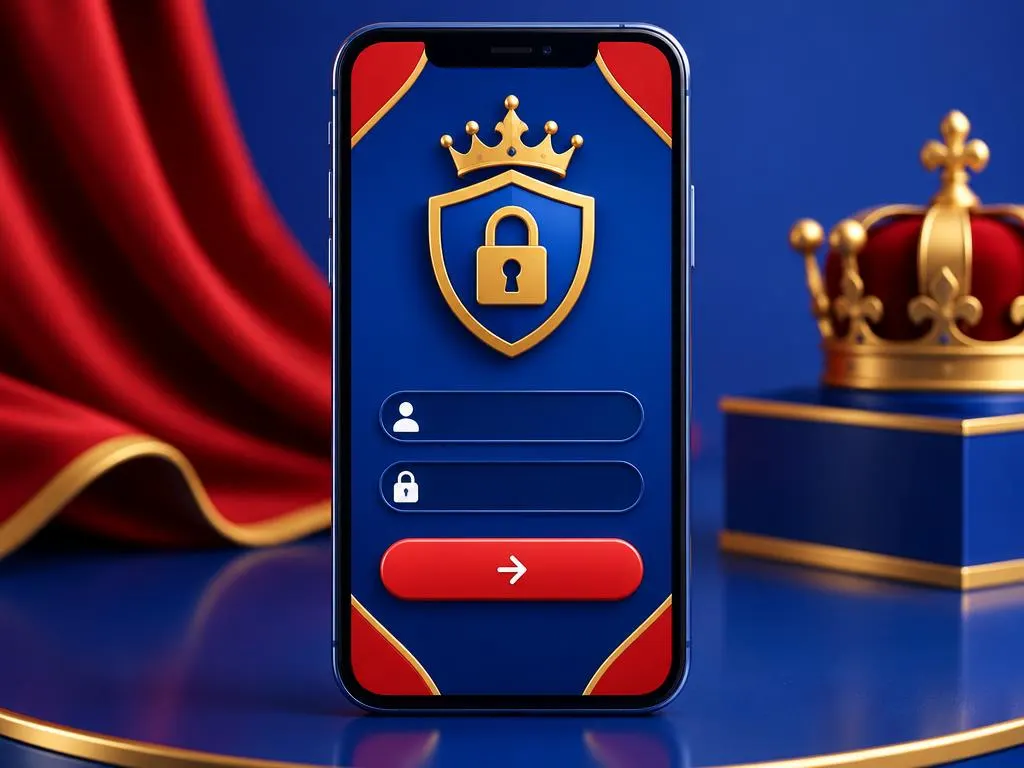
How to log in to Luck55
- Open the Luck55 app (install it first from our download guide).
- Tap Login.
- Enter the mobile number or account ID you registered with.
- Enter your password, or request a one-time code if offered.
- Tap Login to open the lobby.
Entering your Pakistani mobile number
A wrong number format is the number-one cause of login failure. If the app shows a +92 country code, enter your number without the leading zero (3XX XXXXXXX). If there is no country code box, use the format you originally registered with.
Forgot password
- Tap Forgot password on the login screen.
- Enter your registered number and request the verification code.
- Type the code and set a new password you don't use anywhere else.
Common Luck55 login problems
- "Account does not exist" — you may have registered with a different number, or you were using a guest account. See registration.
- App stuck on loading — switch between Wi-Fi and mobile data, clear the app cache, or update the app.
- OTP not arriving — wait 60 seconds, check signal, and make sure SMS aren't blocked.
- Account locked — too many wrong attempts; wait and use password reset.
Keep your Luck55 account secure
⚠ Never share your OTP
- Use a strong, unique password.
- Log out on shared phones.
- Avoid "account selling" or "recharge agent" offers in social groups.
⚠ Responsible use
Frequently asked questions
Can this website log me into Luck55?
No. This is an information guide. You log in only inside the official Luck55 app. Never type your password into third-party websites.
I forgot my Luck55 password. What now?
Use the Forgot Password option on the login screen and verify with the code sent to your registered mobile number. Then set a new, unique password.
Why am I not receiving the OTP?
Check signal, wait a minute before requesting again, make sure the number format is correct and that SMS from short codes are not blocked on your phone.
Can I log in on two phones?
Many versions allow only one active device at a time or ask for verification on a new device. Log out on the old phone first.
My account was logged in from elsewhere — what should I do?
Change your password immediately, contact in-app support and never share codes with anyone.
Related articles
Safety
Essential Security Tips to Keep Your Luck55 Account Safe
Worried about account safety? Discover the best practices for securing your Luck55 profile and avoiding common online scams in Pakistan.
· 4 min read
Read Guide →
Troubleshooting
Why Luck55 OTP Code is Not Received and How to Fix It
Troubleshoot Luck55 OTP code not received errors. Find solutions for SMS delivery failures, network blocks, and dual SIM issues in Pakistan.
· 4 min read
Read Guide →Login & Account
Step-by-Step Guide to Reset Luck55 Password
Forgot your Luck55 login details? Learn the exact steps to recover your account and set a new, secure password through mobile verification.
· 4 min read
Read Guide →Troubleshooting
How to Fix Common Luck55 Login Problems and App Errors
Struggling to access your Luck55 account? Discover effective solutions for common login errors and app crashes to ensure a smooth gaming experience.
· 4 min read
Read Guide →